PHP2Shell: The Critical PHP Vulnerability Affecting Every WordPress Site (2026)

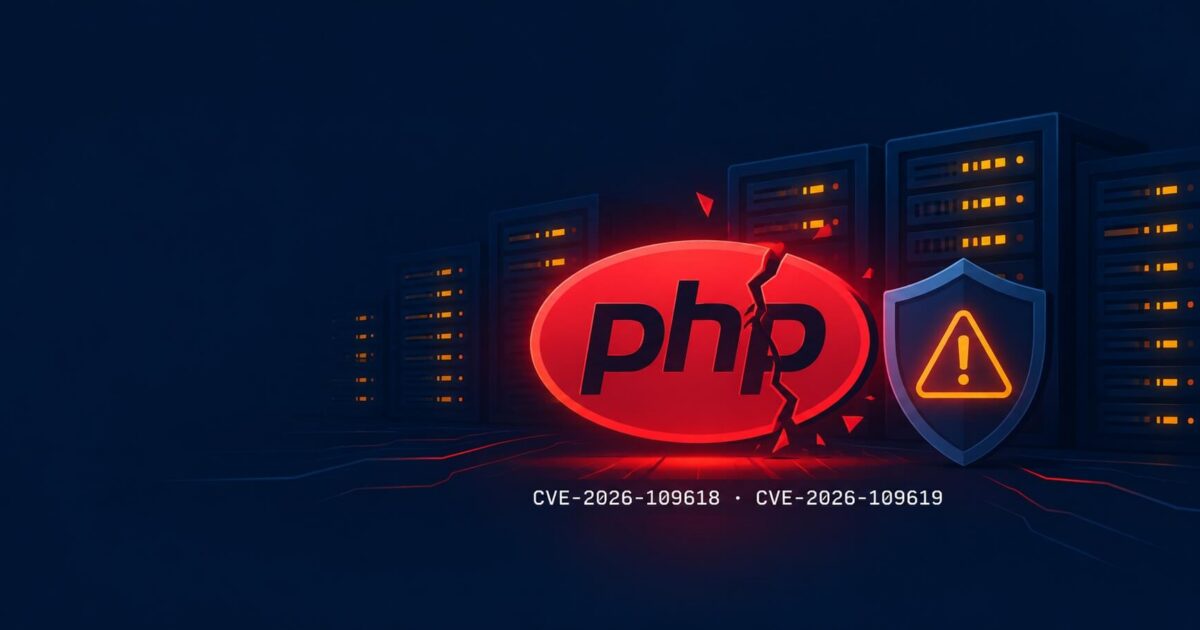
Last week, the PHP Foundation disclosed two critical vulnerabilities under the name PHP2Shell. Both carry a severity score of 9.2 out of 10, and both allow an attacker to execute code on your server without providing any credentials. Because WordPress runs on PHP, every WordPress site hosted on an unpatched server is potentially at risk.
This guide explains what happened, which versions are affected, and exactly what to do to protect your site.
What Is PHP2Shell?
PHP2Shell is the name given to two critical PHP vulnerabilities, identified as CVE-2026-109618 and CVE-2026-109619. Both carry a CVSS severity score of 9.2. They allow an unauthenticated attacker to execute arbitrary code on any server running an affected version of PHP, potentially giving the attacker full control of that server.
The name PHP2Shell refers to the end goal of the attack: shell access to a PHP server. Security researchers at Calif discovered the underlying bugs in 2024 but could not confirm they were exploitable at the time. In October 2026, Calif found a reliable exploitation method, reported it to the PHP Foundation under a coordinated embargo, and patches were released on 23 October 2026.
Both flaws exploit how PHP handles abnormal memory conditions. CVE-2026-109618 is a memory corruption flaw triggered during out-of-memory events. CVE-2026-109619 involves a stale global state issue where internal PHP data outlives the request memory it points to. As a result, a subsequent request handled by the same PHP worker can act on that freed memory, opening a path to arbitrary code execution.
Crucially, no authentication is required. The attack operates at the PHP engine level, before your application code, your WordPress login screen, or any security plugin has a chance to respond.
Which PHP Versions Does PHP2Shell Affect?
PHP2Shell affects all PHP versions below the following patched releases: 8.5.12, 8.4.27, 8.3.36, and 8.2.35. PHP versions 8.1, 8.0, and 7.4 have no official fix from the PHP Group. PHP 7.3 and older, including PHP 5, have no fix at all. If you are running any of these older versions, you must upgrade to a supported branch.
The patched releases for each currently supported PHP branch are:
- PHP 8.5: update to 8.5.12 or later
- PHP 8.4: update to 8.4.27 or later
- PHP 8.3: update to 8.3.36 or later
- PHP 8.2: update to 8.2.35 or later
For PHP 8.1, 8.0, and 7.4, there is no official upstream fix from the PHP Group. However, many Linux distributions have backported the security patches to these branches without changing the version number. Check your hosting provider’s update history or ask them directly whether your installation has received a backport. If they cannot confirm this, treat the installation as unpatched.
For PHP 7.3 and older: no fix exists and none will be released. You must upgrade to PHP 8.2 or later. Note that PHP 7.4 reached end-of-life in November 2022 and PHP 8.0 in November 2023. If your site is still running either version, it has been operating without security support for years and should have been upgraded long before now.
Is My WordPress Site at Risk From PHP2Shell?
Yes, if your hosting server has not been updated to a patched PHP version. WordPress runs on PHP, and PHP2Shell operates at the server level, before WordPress code runs at all. Your WordPress login screen, security plugins, and two-factor authentication provide no protection against this type of attack.
The PHP2Shell vulnerabilities are exploited before any application code runs. This means that even a fully hardened WordPress site with a strong password, two-factor authentication, and a security plugin is not protected if the underlying PHP version is unpatched.
According to Palo Alto Networks, approximately 22.6 million internet-facing PHP installations were potentially vulnerable at the time of disclosure. Around 70 percent of the web runs on PHP, which includes WordPress, Drupal, Joomla, and a wide range of other applications and content management systems.
If your site is on shared or managed hosting, your provider may have already applied the patch. Many major hosts updated their servers before or shortly after public disclosure on 23 October 2026. However, do not assume this has happened automatically. Check your PHP version through your hosting control panel and confirm it matches one of the patched releases listed above.
How Does PHP2Shell Work?
Both vulnerabilities exploit PHP memory handling errors. CVE-2026-109618 corrupts memory when PHP runs out of memory during a request. CVE-2026-109619 leaves global state pointing to freed memory between requests. In both cases, an attacker can trigger these conditions remotely, without any login credentials, and cause PHP to execute their own code on the server.
CVE-2026-109618 works by triggering an out-of-memory condition during request setup. PHP uses an internal recovery mechanism to unwind the call stack in this situation. During recovery, request memory is left in a half-built state. The cleanup code then acts on that uninitialized memory, which an attacker can influence to redirect execution.
CVE-2026-109619 involves state that persists between PHP requests handled by the same worker process. When a request ends abnormally, global variables can still point to memory that has since been freed and reallocated. A following request handled by the same PHP worker can act on that stale data, providing an attacker with a path to influence code execution.
Both vulnerabilities carry the highest risk on Apache mod_php, where the attack can succeed before the PHP application even receives the request. Additionally, PHP-FPM, php-cgi, LiteSpeed, and FrankenPHP are all in scope.
Has PHP2Shell Been Exploited in the Wild?
Yes. Amazon Web Services detected exploitation attempts approximately one week before patches were publicly released, suggesting active scanning from around 17 October 2026. Following public disclosure on 23 October, Cloudflare reported an exponential rise in exploit attempts. Palo Alto Networks and Trail of Bits confirmed active compromises and post-exploit activity at multiple organisations.
The vulnerabilities were not a surprise to everyone. Amazon reportedly warned its customers to check for signs of exploitation from 17 October, six days before the public patches were released. This indicates that attackers had working exploits before coordinated disclosure.
Since disclosure, the scale of activity has grown significantly. Banks, retailers, hospitals, and some government agencies took servers offline as a precaution. Cloudflare’s CEO described the volume of exploit attempts as exponential. Moreover, Palo Alto Networks observed an attack against a European government agency running a vulnerable PHP application.
As of the date of this post, a fully portable and reliable proof-of-concept exploit has not been confirmed publicly. However, security researchers have warned that a more generalisable technique could emerge at any time. Any unpatched system should be treated as an active target.
How Do I Fix the PHP2Shell Vulnerability on My WordPress Site?
Update PHP to the patched version for your branch (8.5.12, 8.4.27, 8.3.36, or 8.2.35) and restart all PHP workers. On shared or managed hosting, this is usually a one-click change in your control panel. If you cannot update immediately, temporary mitigations can reduce your exposure but do not eliminate the vulnerability.
Step 1: Check Your Current PHP Version
Log in to your hosting control panel (cPanel, Plesk, or your managed hosting dashboard). Look for a PHP version selector or PHP Manager section. On cPanel, this is typically under MultiPHP Manager or Select PHP Version. Note your current version number and compare it against the fixed releases listed above.
If you are on managed WordPress hosting such as Kinsta, WP Engine, or Flywheel, check your environment settings in your hosting dashboard. Most managed hosts pushed updates automatically during the disclosure period. Confirm you are now running PHP 8.2.35, 8.3.36, 8.4.27, or 8.5.12 or later.
Step 2: Update PHP Through Your Hosting Panel
Most shared hosting providers allow you to update PHP directly in cPanel or Plesk. Select the patched release for your current branch and save. On managed WordPress hosts, updates are typically applied automatically or through a one-click button in your environment settings.
If you manage your own VPS or dedicated server, update PHP through your system package manager. On Ubuntu or Debian, run apt update && apt upgrade php. On CentOS or AlmaLinux, use dnf update php. After updating, confirm the installed version with php -v.
Step 3: Apply Temporary Mitigations If You Cannot Update Yet
If you cannot update PHP immediately, the following changes to your php.ini file reduce exposure. Note that these mitigations do not fully fix the vulnerability and must not replace updating.
- Set
memory_limit=-1to prevent the out-of-memory trigger (this only works if no application or pool configuration overrides it) - Set
session.upload_progress.enabled=0in php.ini or your FPM pool configuration - On PHP 8.5 only: set
fatal_error_backtraces=0 - Restrict
post_max_sizeandupload_max_filesizeat the web server level - Do not use RLIMIT_AS or RLIMIT_DATA, since these can trigger the vulnerable out-of-memory allocation path
After making any changes to php.ini, restart all PHP workers to apply them.
Step 4: Verify the Update
Once you have updated, confirm you are running the patched version. You can do this through your hosting control panel, by checking a phpinfo() output page, or by running php -v at the command line. A server previously on PHP 8.3 should now report 8.3.36 or later. Similarly, a PHP 8.4 server should show 8.4.27 or later.
What Should You Do If Your WordPress Site Has Already Been Compromised?
If you suspect your site has been compromised through this vulnerability, take it offline immediately if possible. Do not rely on the fact that the site appears to function normally. PHP2Shell gives attackers code execution at the server level, which means they can hide evidence, create hidden admin accounts, and install backdoors that survive a WordPress reinstall.
The first sign of compromise may not appear in WordPress at all. An attacker with server-level code execution can install backdoors in directories that WordPress plugins and file scanners do not check. They can also modify PHP files outside the WordPress installation, create hidden scheduled tasks, and silently copy your database contents to a remote server.
If your site was running an unpatched PHP version between 17 October 2026 and the date you applied the patch, treat it as potentially compromised. In particular, do not assume a clean-looking site means the site is safe. Run a free security scan to check for indicators of compromise. If you need expert help, our emergency recovery service handles server-level compromises at a fixed, transparent price and investigates at file and database level to determine whether access was gained.
Frequently Asked Questions
What is PHP2Shell?
PHP2Shell is the name given to two critical PHP vulnerabilities, CVE-2026-109618 and CVE-2026-109619, disclosed on 23 October 2026. Both are rated 9.2 on the CVSS severity scale and allow an unauthenticated attacker to execute code on any server running an affected PHP version, potentially giving them full control of that server.
Which PHP versions have an official fix for PHP2Shell?
The patched releases are PHP 8.5.12, 8.4.27, 8.3.36, and 8.2.35. PHP 8.1, 8.0, and 7.4 have no official upstream fix, though some Linux distributions have backported patches. PHP 7.3 and older have no fix and must be upgraded to a supported branch.
Does WordPress itself need to be updated because of PHP2Shell?
No. PHP2Shell is a vulnerability in PHP itself, not in WordPress. Updating WordPress will not protect you. The fix must be applied at the server level by updating PHP to a patched version. Your hosting provider controls this, not your WordPress dashboard.
I am on shared hosting. Has my host already patched PHP2Shell?
Many major shared hosting providers applied the patch around the time of disclosure. However, you should not assume this. Log in to your hosting control panel, check your current PHP version, and confirm it is running 8.2.35, 8.3.36, 8.4.27, or 8.5.12 or later. If in doubt, contact your host’s support team directly.
How do I check if my WordPress site was compromised through PHP2Shell?
A standard WordPress security plugin scan may not be sufficient, since PHP2Shell attacks operate at the server level. Look for unexpected files in directories outside the WordPress installation, unknown scheduled tasks on the server, unfamiliar admin accounts in WordPress, or unusual outbound connections in your server logs. A professional security audit is the most reliable way to confirm a clean system.
What should I do if I am running PHP 7.4 or older?
PHP 7.4 has no official PHP2Shell fix and reached end-of-life in November 2022. You should upgrade to PHP 8.2 or later immediately. Contact your hosting provider to arrange the upgrade. Before upgrading, check your WordPress plugins and theme for PHP 8.2 compatibility to avoid breaking your site during the change.
We Fix Hacked WordPress Sites
Fixed £495. No-fix no-fee. Response in under 2 hours — worldwide.
Get Emergency Help NowRelated Articles
Why Premium WordPress Themes Are Hurting Your Website
You found a beautiful WordPress theme on ThemeForest. The demo looked incredible smooth animations, a dozen layout options,…
WordPress Plugin Vulnerabilities: Why 91% of Sites Get Hacked
Here is a number that should concern every WordPress site owner: 91. That is the percentage of WordPress…
WordPress Core Update Vulnerability Actively Exploited 2026: What Every Site Owner Must Do Today
The WordPress core update vulnerability actively exploited 2026 is tracked as CVE-2026-119977. The US Cybersecurity and Infrastructure Security…