WooCommerce Site Hacked? Emergency Recovery Guide for Online Store Owners

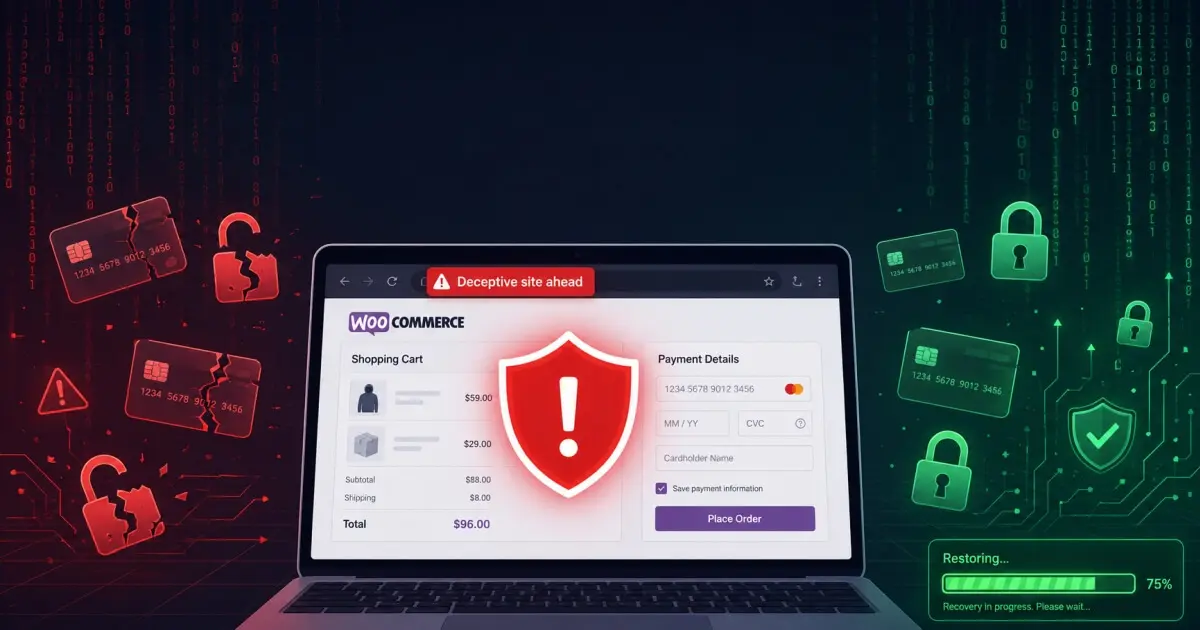
A hacked WooCommerce store is a very different situation from a hacked brochure site. You have customer data at risk. You potentially have payment information involved. Furthermore, you have orders, inventory, and customer trust on the line. Every hour offline costs you real, measurable revenue.
This guide is written specifically for WooCommerce store owners. The steps are different here, and the urgency is higher. Let’s get through this.
Your First 15 Minutes: Stop the Bleeding
Take the Store Offline Immediately
If attackers are actively exploiting your store, every second it stays live puts more customer data at risk. Contact your host and ask them to take the site offline, or enable maintenance mode if you can still access the admin panel.
Do not think “maybe I’ll lose a few sales.” Instead, ask yourself: “how many customers’ records are attackers reading right now?” The commercial cost of downtime is real, but the legal liability from a data breach is far higher.
Assess What Data Was Exposed
WooCommerce stores customer orders, names, addresses, email addresses, and phone numbers in your database. However, what happens to payment data depends entirely on how you process payments:
- If you use Stripe, PayPal, or another payment gateway: Card numbers never touch your server your payment gateway handles them directly. In this case, customer payment data is almost certainly safe.
- If you store card data locally: This is a serious PCI compliance issue. Contact your payment processor immediately, because local card storage requires you to report the breach right away.
Do You Need to Notify Customers?
If an unauthorised third party may have accessed customer personal data names, email addresses, physical addresses you have a legal obligation under GDPR. Specifically, you must report the breach to the ICO within 72 hours if you operate in the UK or EU, and then notify affected customers without undue delay.
This step is not optional. Non-compliance carries significant fines, and regulators treat delays poorly. Therefore, if you are unsure whether attackers accessed any data, get professional help to investigate before those 72 hours run out.
Common WooCommerce-Specific Attack Types
Credit Card Skimming
In a card skimming attack, attackers inject malicious JavaScript into your checkout page. This script silently copies card details as customers type them and sends the data to a server under the attacker’s control. Meanwhile, your store continues to function normally customers complete their purchases and nobody realises anything is wrong.
This is the most dangerous WooCommerce attack for three reasons. First, the malware is completely invisible to shoppers. Second, attackers steal card data in real time, transaction by transaction. Third and most critically your store may have unknowingly collected customer card details for weeks or even months before anyone notices.
To check for a skimmer, open your checkout page in a browser and view the page source. Look specifically for any JavaScript that loads from an external domain you do not recognise. Any unfamiliar third-party script on a checkout page is a red flag.
Order Data Theft
In this attack, hackers access your WordPress database and extract your entire orders table customer names, addresses, email addresses, and full order histories. Attackers then sell this data on criminal marketplaces or use it to run targeted phishing campaigns against your customers.
Fraudulent Orders
Hackers use stolen card details collected elsewhere and place orders on your store to test whether those cards are still valid. Essentially, your store becomes a free “card checker” for criminals. As a result, your payment processor will eventually flag the unusual activity, and you may face account suspension or chargebacks.
Step-by-Step WooCommerce Recovery
1. Identify the Infection Type
Before you clean anything, understand what you are dealing with. Does the site redirect visitors? Did attackers install a card skimmer? Are spam emails going out from your domain? Your cleanup approach will vary significantly depending on which attack type hit your store.
2. Run a Full Malware Scan
Install Wordfence and run a full scan. Additionally, check your checkout-related files manually in particular, your active theme’s woocommerce/ templates folder if you have custom templates, and any WooCommerce-related plugins you have installed.
3. Check Your Checkout Page Source
View the page source of your live checkout and look for JavaScript loading from external domains. Normally, your checkout should only load scripts from your own domain and your trusted payment gateway. Therefore, any unfamiliar external script here is a strong indicator of a card skimmer.
4. Clean the Database
Open phpMyAdmin and look for any injected code inside WooCommerce settings rows in wp_options. Also check wp_woocommerce_order_items for anything suspicious. In particular, watch for base64-encoded strings or entries containing eval(.
5. Review Your Payment Gateway Integration
After a breach, contact your payment processor to inform them of the incident. They will likely ask you to regenerate all API keys and may review recent transactions for fraudulent activity. Regenerate every API key connected to your WooCommerce payment setup even keys that look unaffected.
6. Update Everything
Update WooCommerce itself, all WooCommerce extensions, your theme, and every other plugin on the site. Hackers frequently exploit known vulnerabilities in outdated WooCommerce extensions, so keeping them current is one of the most effective things you can do to prevent reinfection.
7. Harden Specifically for WooCommerce
Once the site is clean, take these WooCommerce-specific steps to reduce your risk going forward:
- Confirm your checkout uses HTTPS throughout with no mixed content warnings
- Add Content Security Policy headers to limit which external scripts can run on checkout pages
- Turn on fraud prevention tools inside your payment gateway settings
- Add CAPTCHA to the checkout to block automated fraudulent orders
- Enable email alerts for any new administrator account creation
What to Tell Your Customers
If you need to notify customers, keep the message clear, direct, and honest. Cover the following points:
- When you discovered the problem
- What data the attack may have affected
- What steps you have already taken to fix it
- What customers should do next for example, monitor bank statements or change their account password
- How they can reach you with questions
Do not minimise what happened, and do not be vague. Customers who receive a clear, honest update handle security incidents far better than those who receive nothing or worse, something evasive and corporate. In fact, transparent communication often strengthens customer trust rather than damaging it.
WooCommerce Security Going Forward
After you recover, consider ongoing protection rather than waiting for a second attack. Our Security Care Plan includes monthly WooCommerce-specific security monitoring, plugin updates, and a free cleanup if anything goes wrong again. A hacked store once is bad. A hacked store twice is potentially business-ending.
Contact us today We respond within the hour and can begin recovery for your WooCommerce store immediately.
We Fix Hacked WordPress Sites
Fixed £495. No-fix no-fee. Response in under 2 hours — worldwide.
Get Emergency Help Now